Do it yourself · 6 steps
Get more Google reviews, the right way
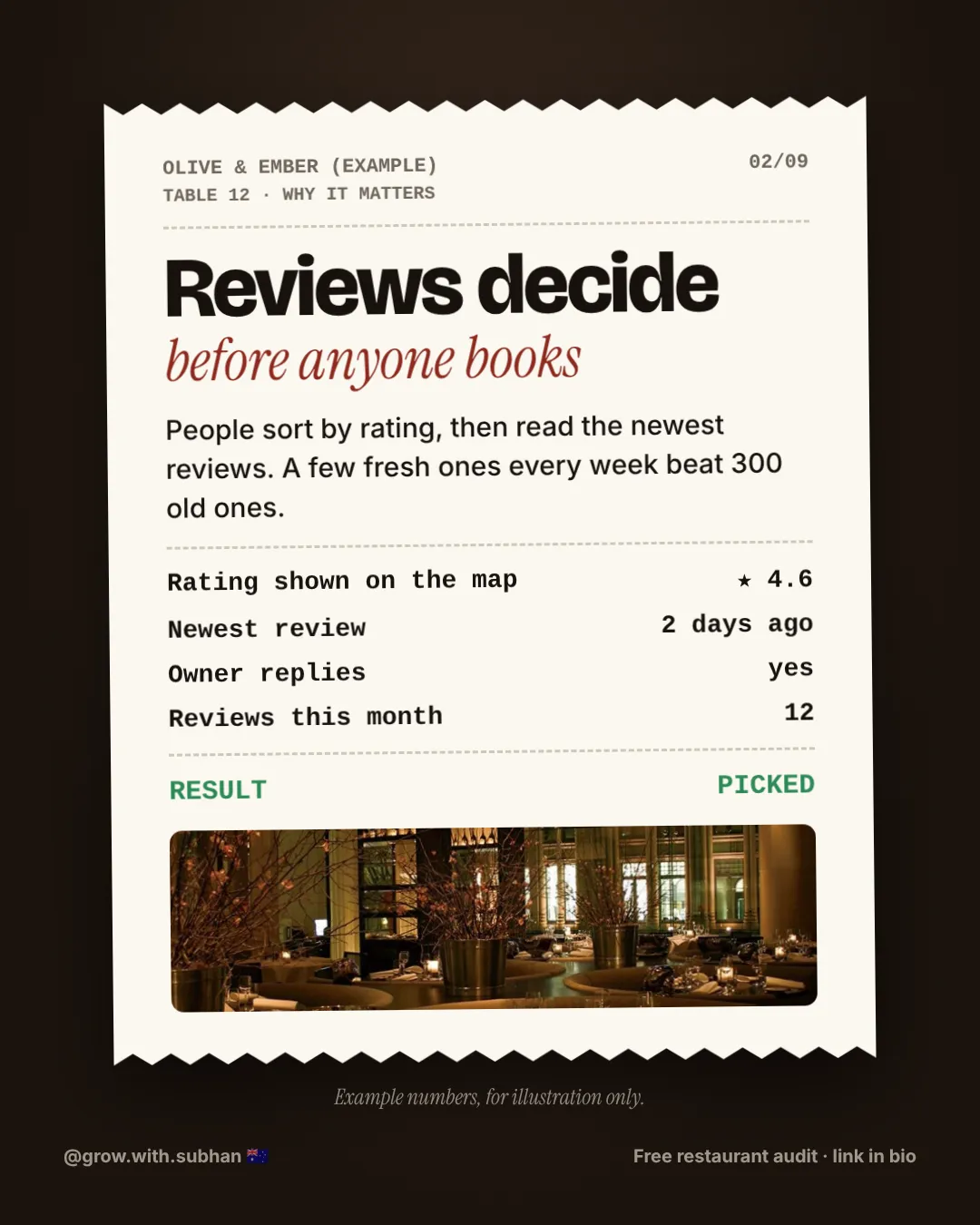
People sort by rating. Then they read your newest reviews.
A few fresh reviews every week help more than lots of old ones. Here is how to get them, without being awkward.
S By Subhan ·



Swipe to see the slides →
Names and numbers in these slides are made-up examples.
6 steps to more reviews
-
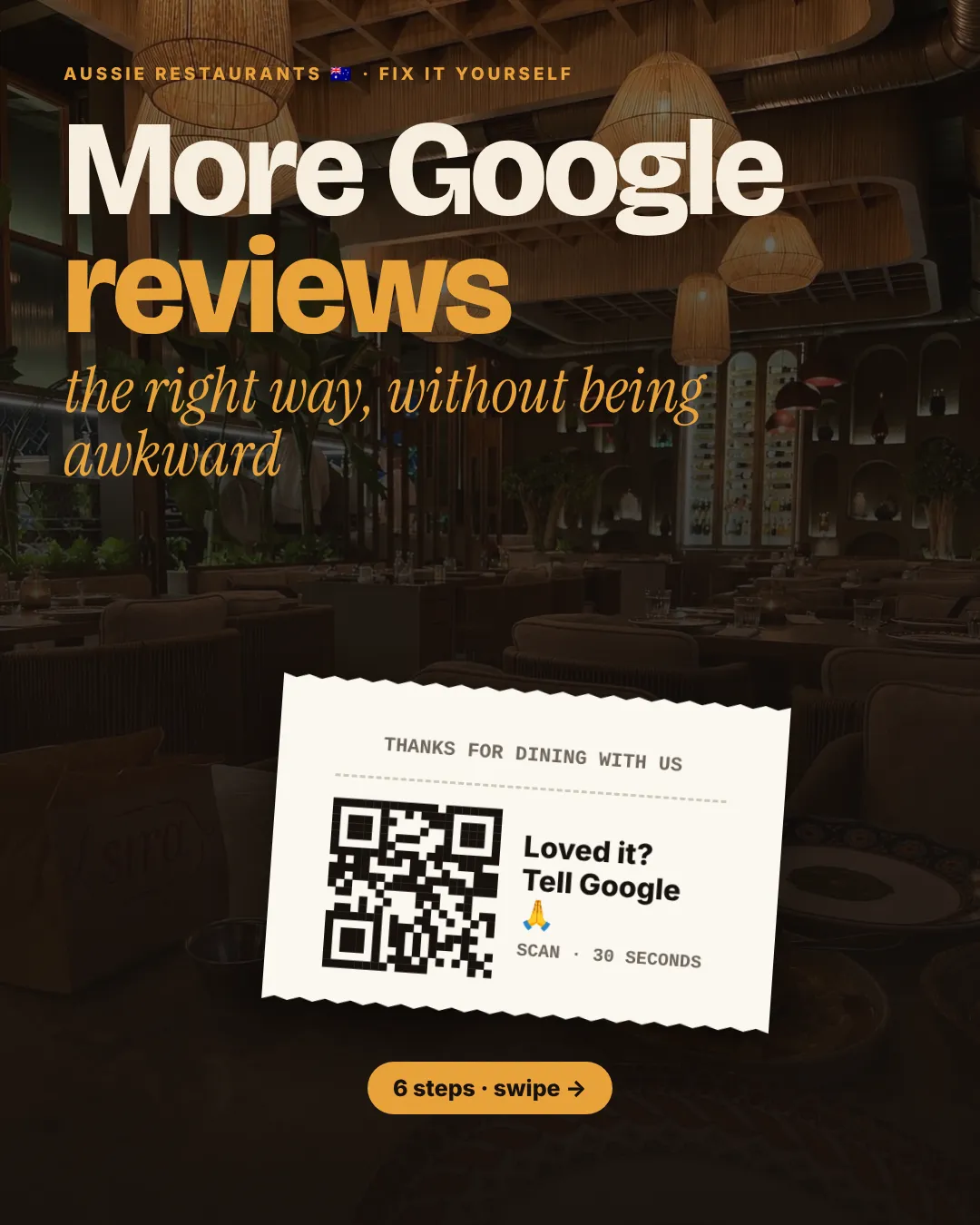
A QR code on the bill
In your Google Business Profile, tap “Ask for reviews” and copy the link. Turn it into a QR code for the bill, the table card and the takeaway bag.
-
One line for staff
“So glad you loved it! If you have a sec, a Google review really helps a small place like us.”
-
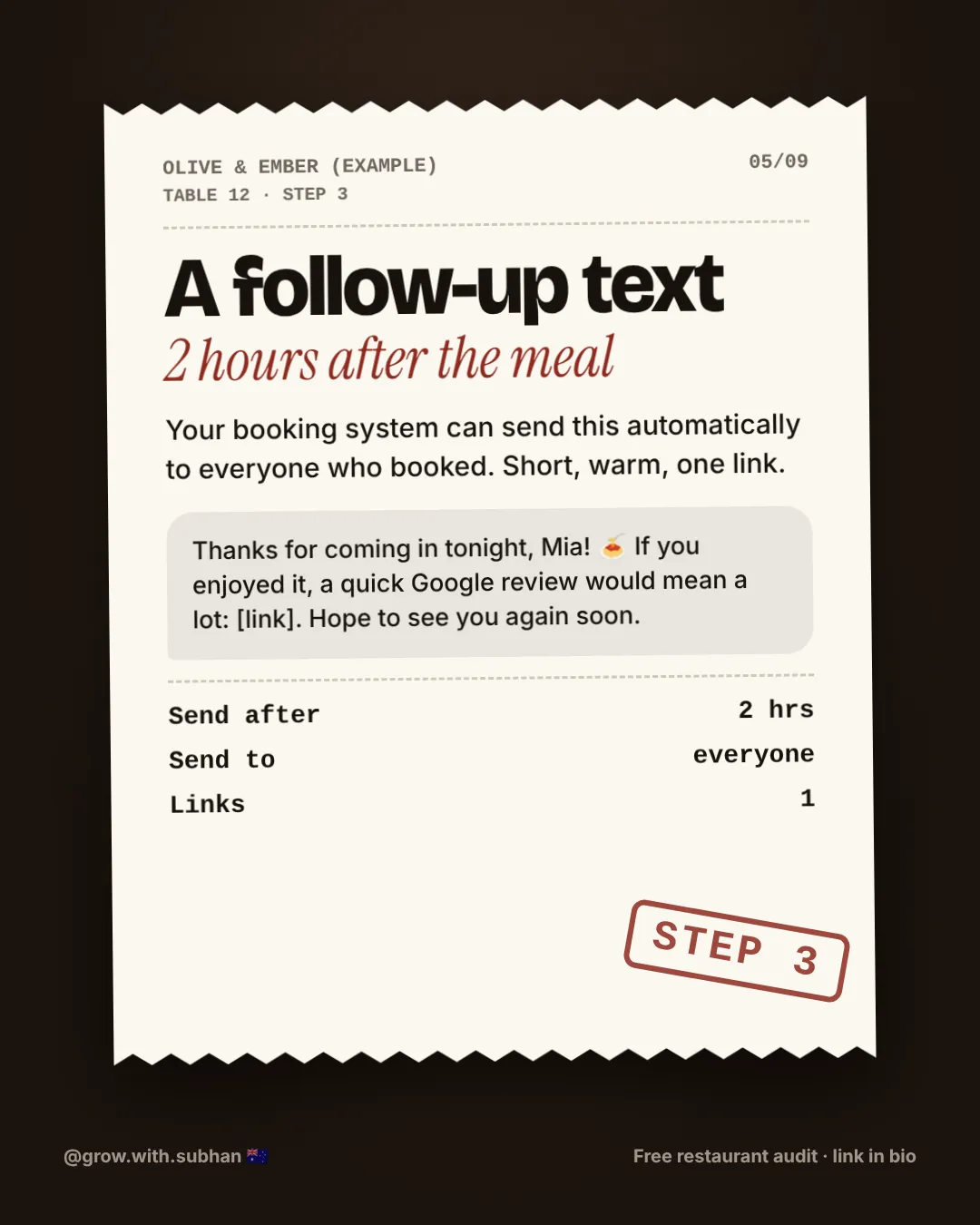
A follow-up text
Send a short thank-you text a couple of hours after the meal. Most booking systems can do this for you.
-
Reply to every review
Reply within 2 days. Use their name, mention the dish, say thank you. For bad ones: say sorry, fix it, invite them back.
-
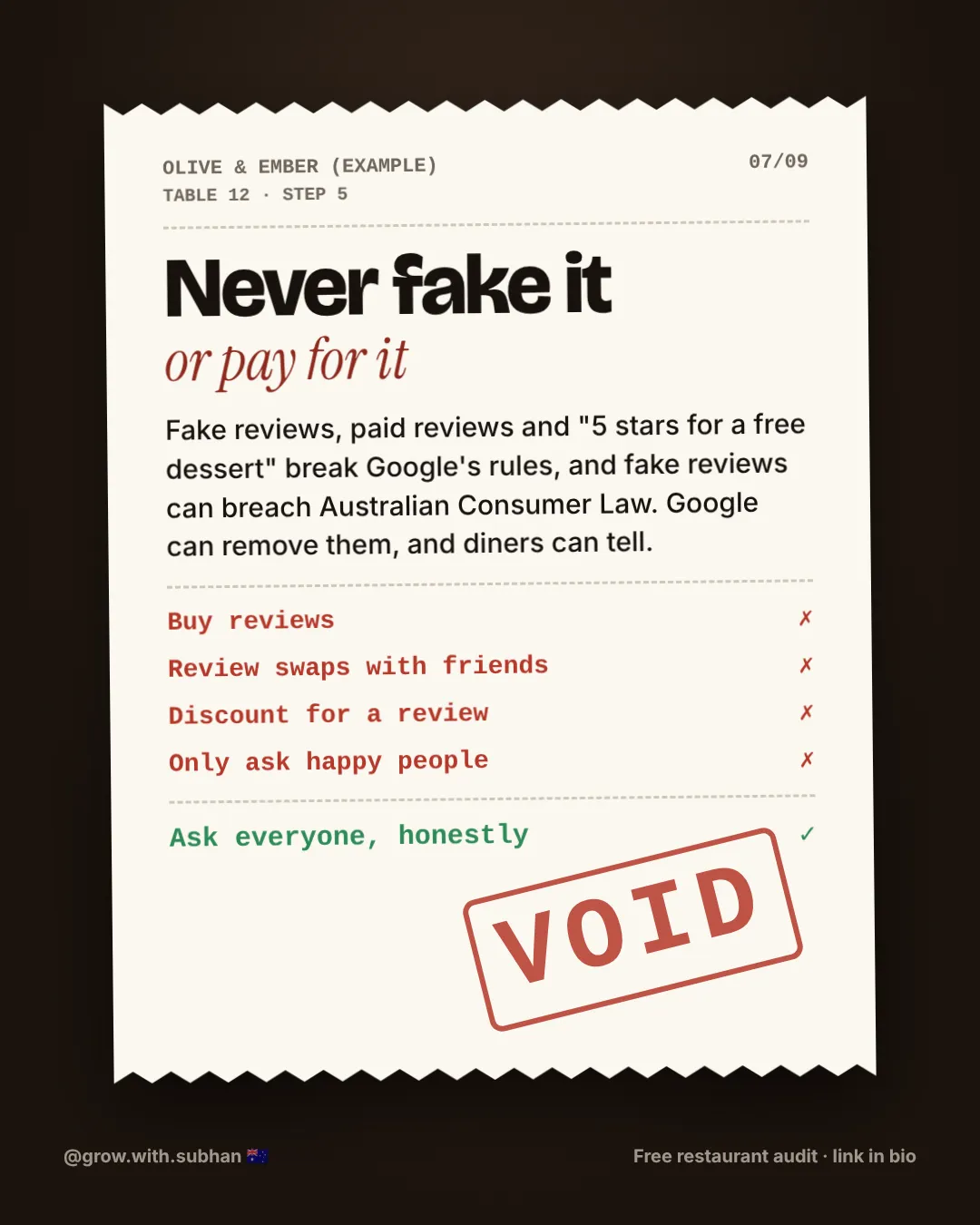
Never fake it or pay for it
No bought reviews, no swaps, no “5 stars for a free dessert”. It breaks Google’s rules, and fake reviews can breach Australian Consumer Law.
-
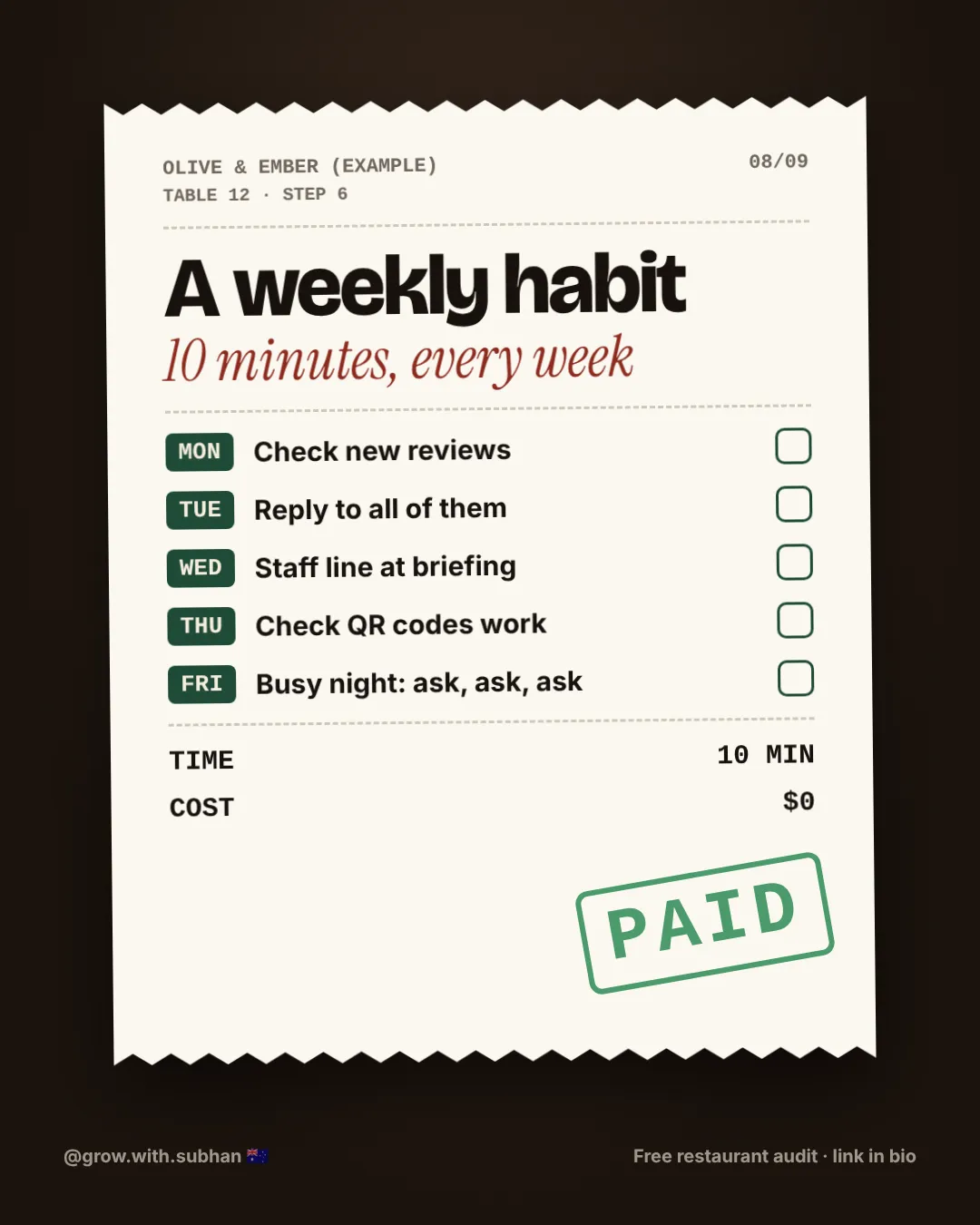
Make it a weekly habit
A few minutes every week to check new reviews and reply.
Do this today
Make your review QR code today and put it on the bill.