Do it yourself · 5 steps
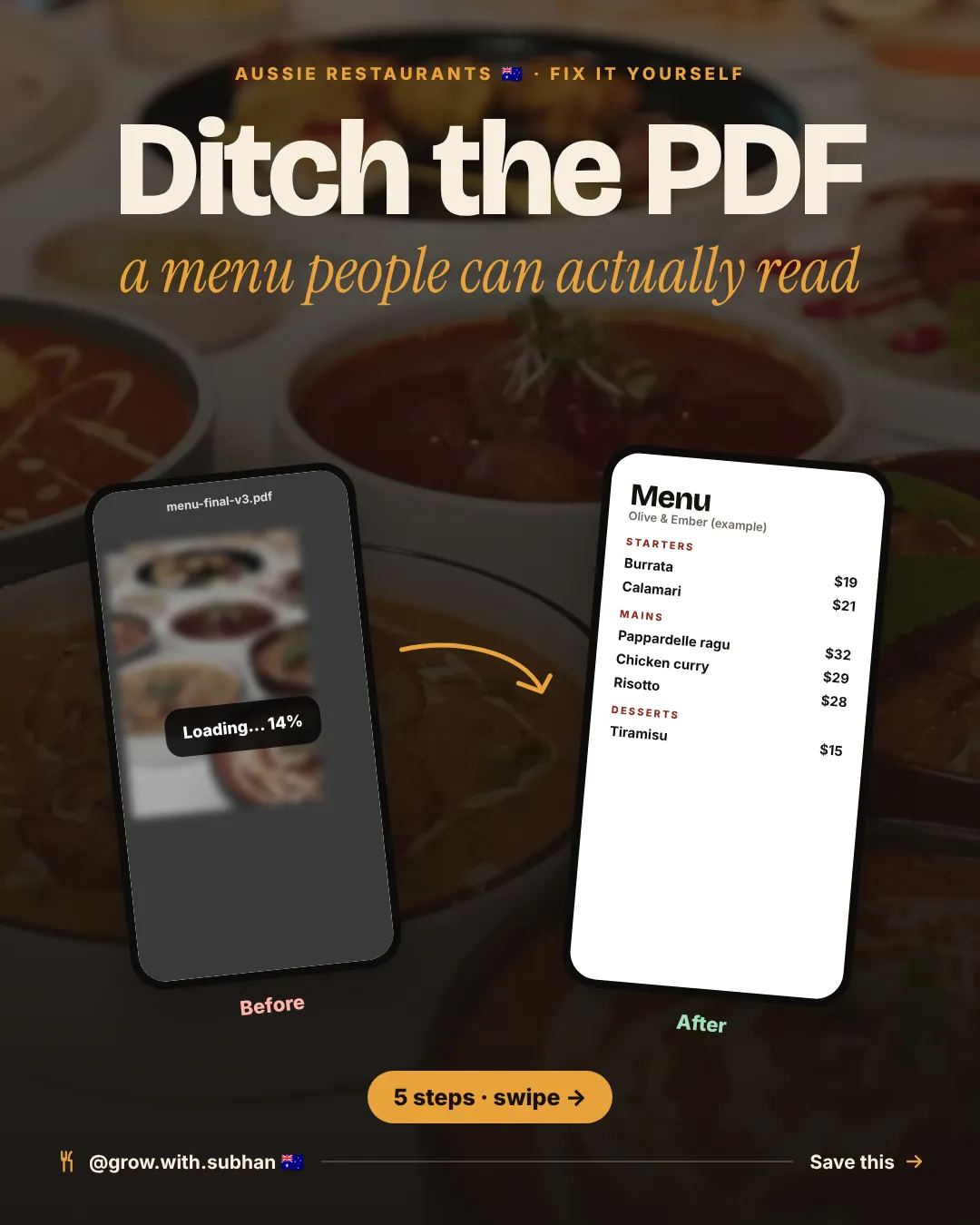
Swap your PDF for a menu people can read
On a phone, a PDF menu is slow to open and tiny to read. Google can’t read it at all.
People just want a quick look at the dishes and prices. Here is how to give them that.
S By Subhan ·


Swipe to see the slides →
The menus in these slides are made-up examples.
A menu people can read, in 5 steps
-
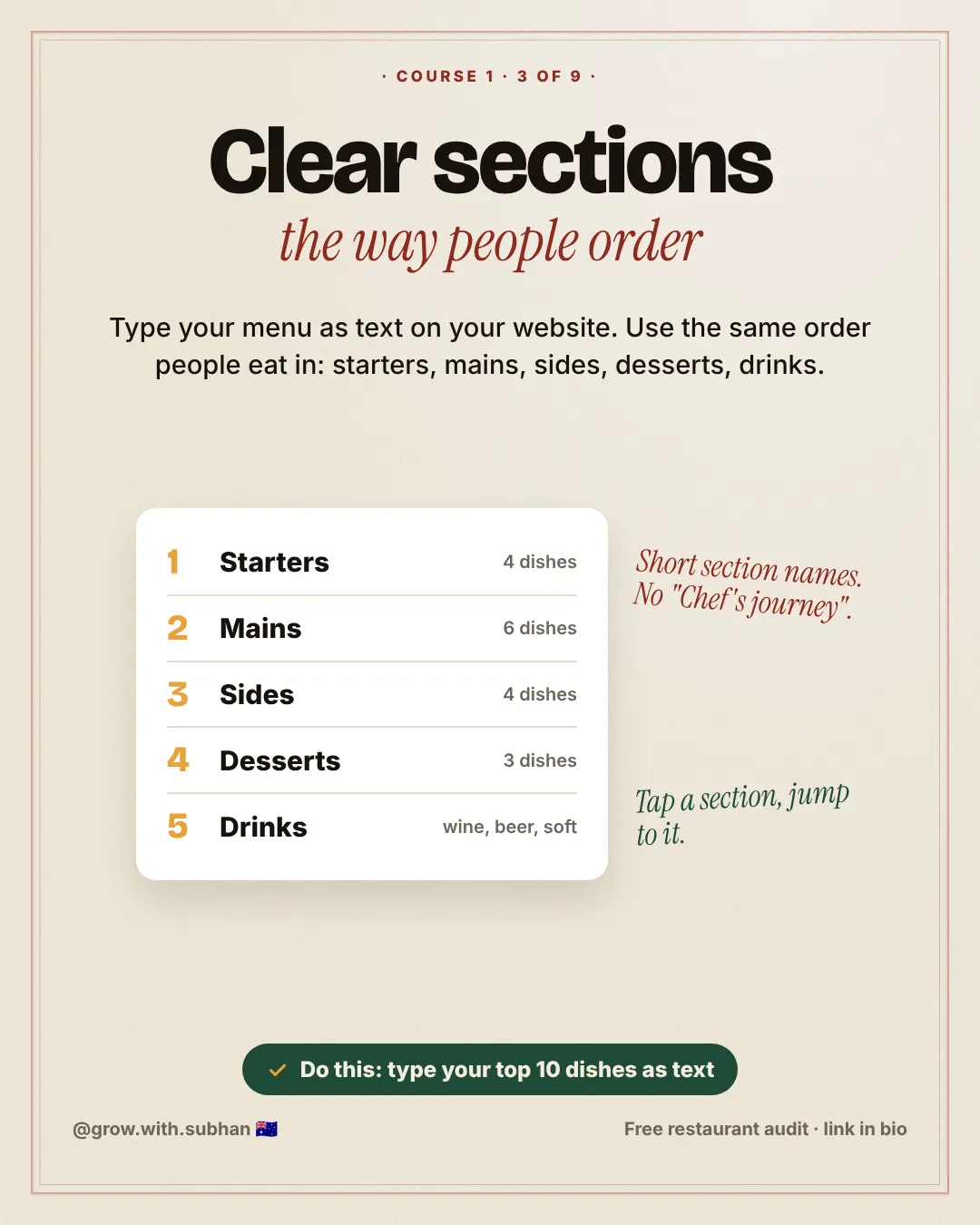
Clear sections
Type the menu as text on your website, in the order people eat: starters, mains, sides, desserts, drinks.
-
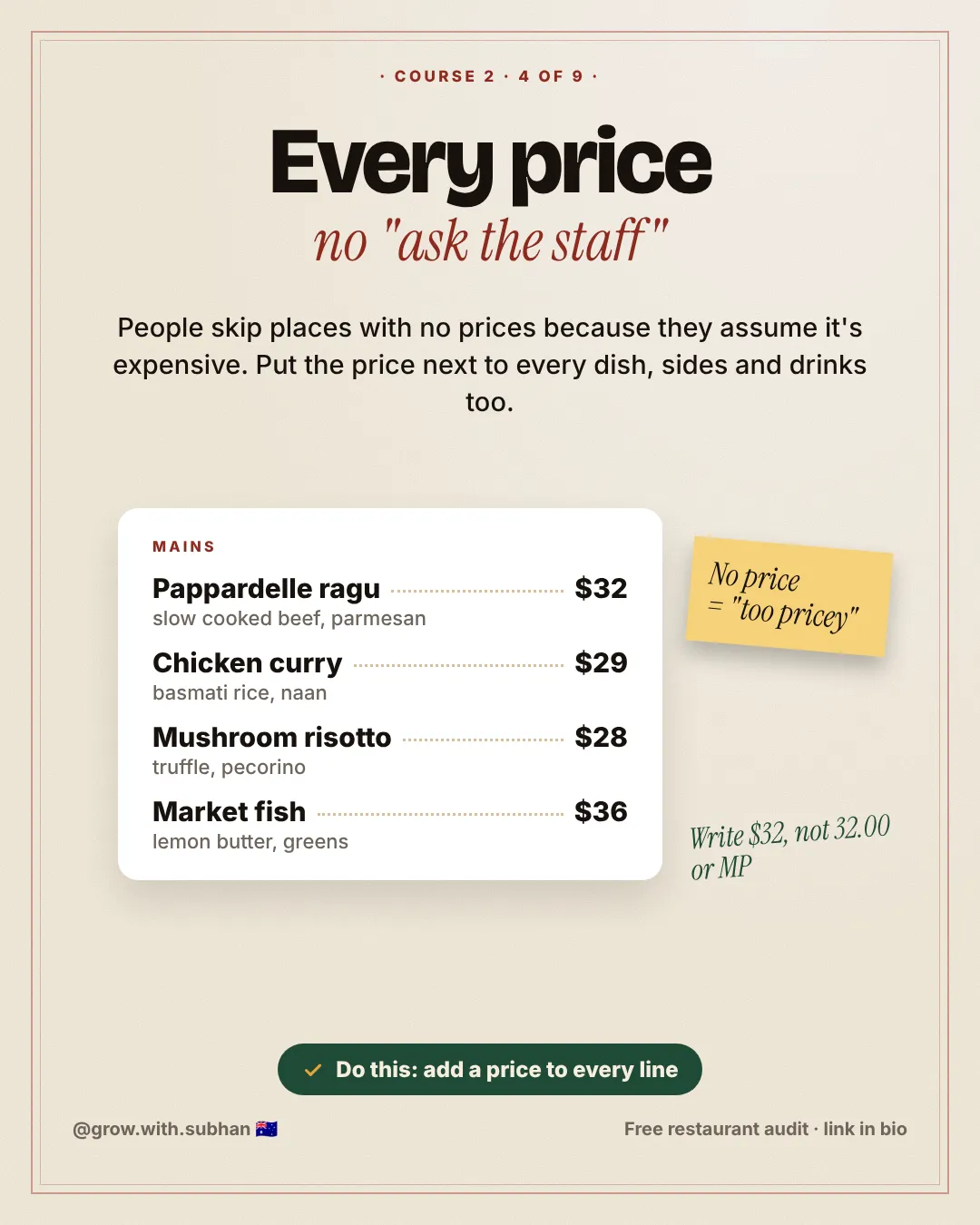
A price on every dish
No price makes people think “too expensive”. Add prices to sides and drinks too.
-
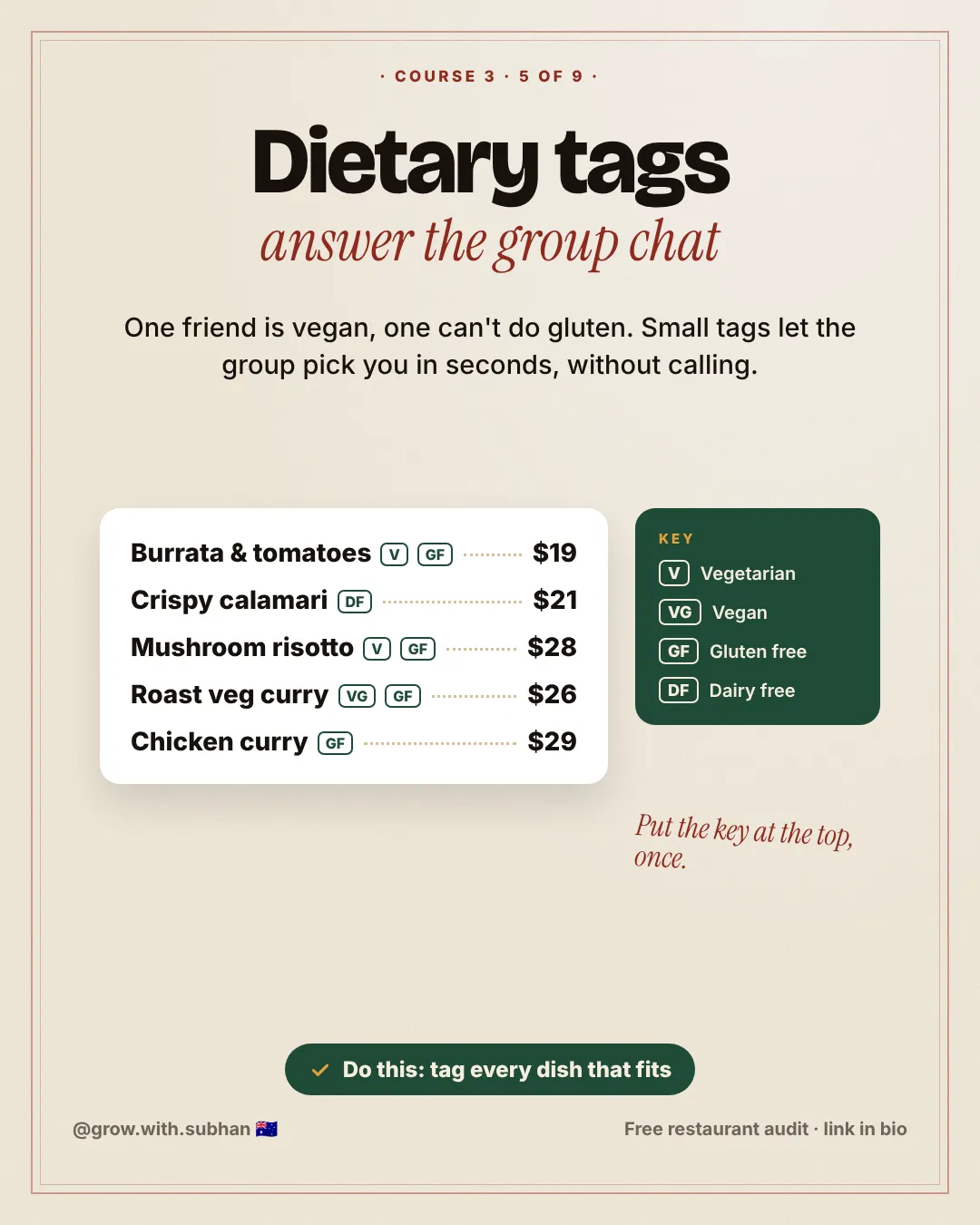
Dietary tags
Add V, VG, GF and DF, with a small key at the top. Then a group can choose you without calling.
-
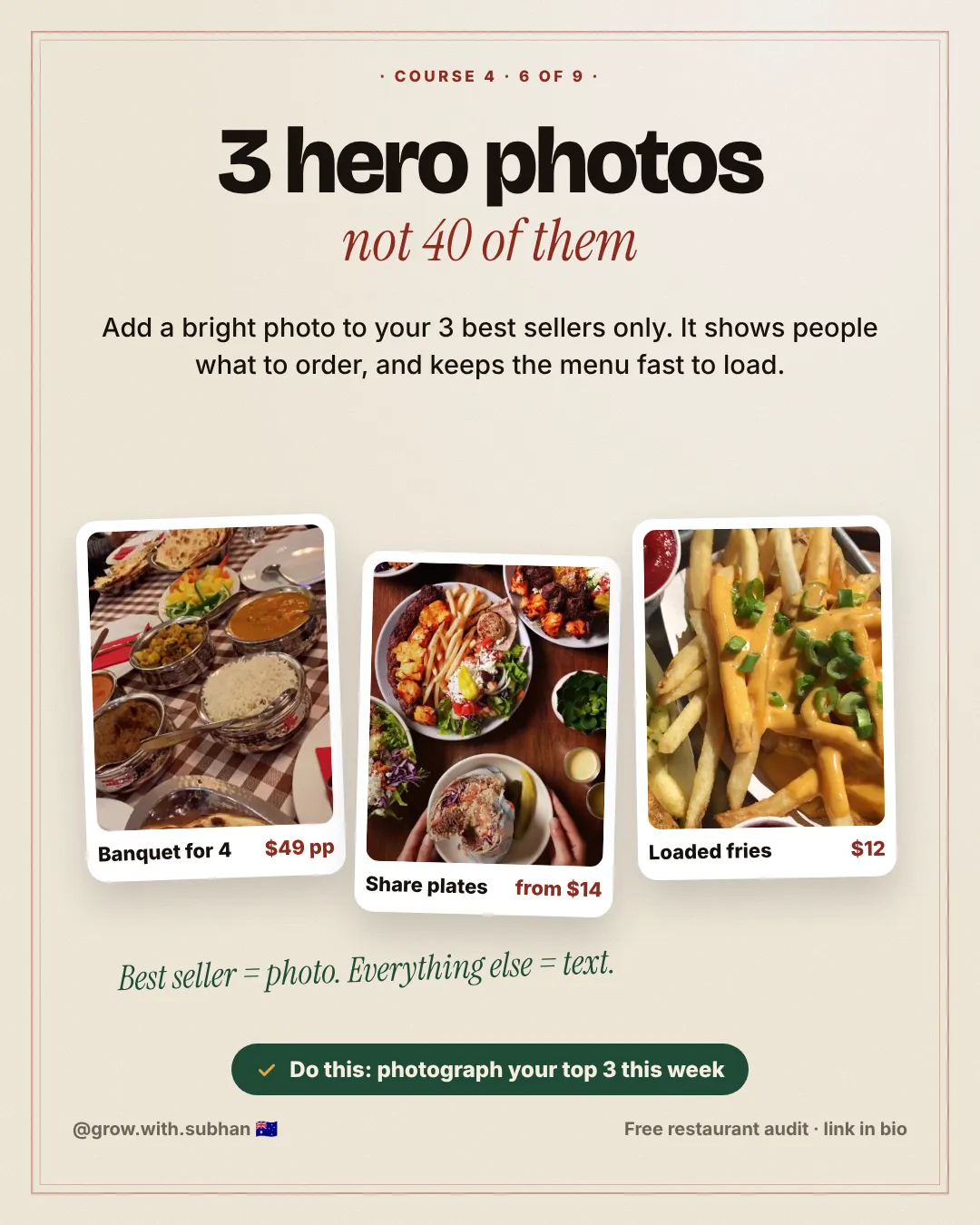
3 hero photos
Add bright photos of your 3 best sellers only. Keep everything else as fast text.
-
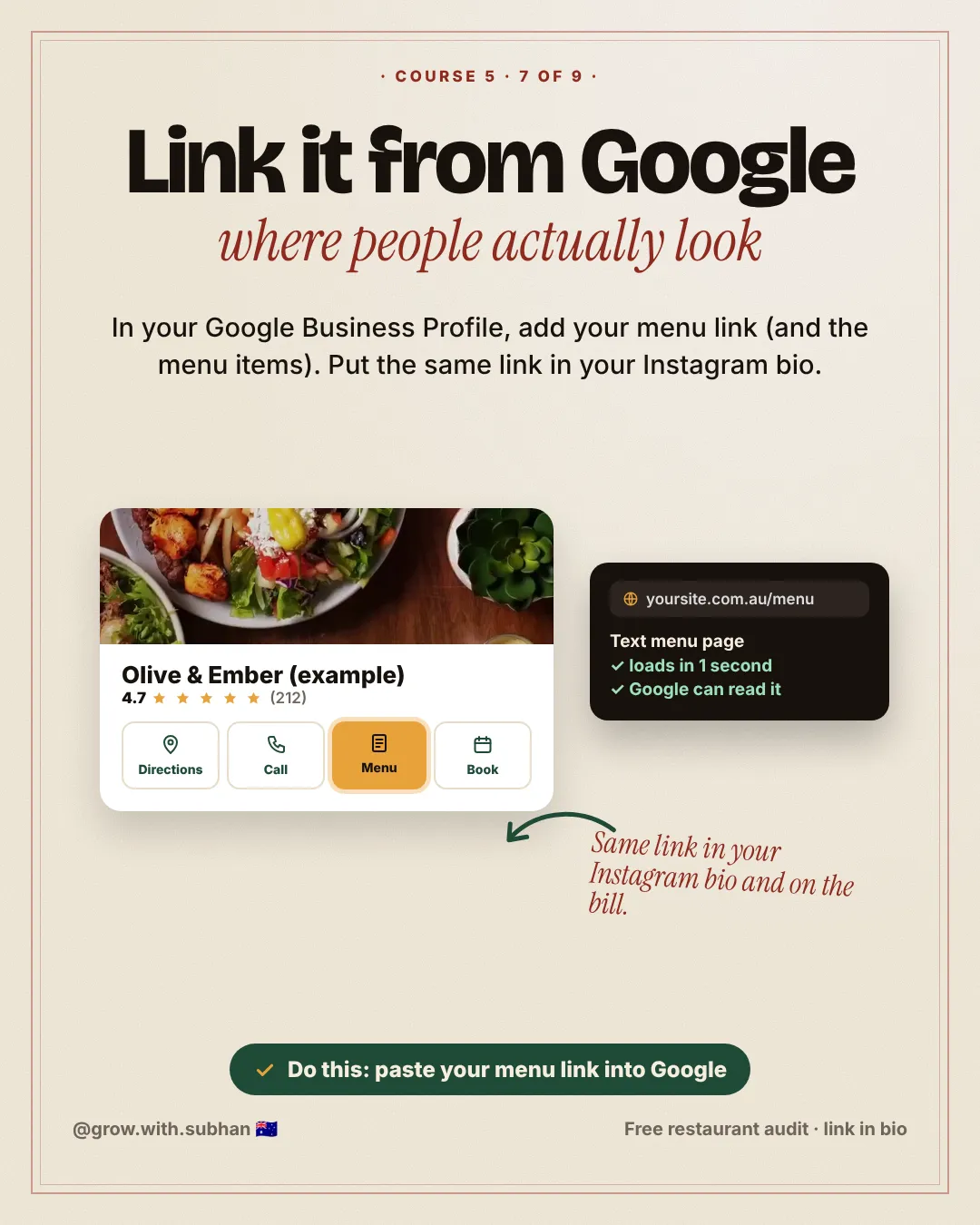
Link it from Google
Add your menu link to your Google Business Profile. Put the same link in your Instagram bio.
Do this today
Type your top 10 dishes as text, with prices, before service.